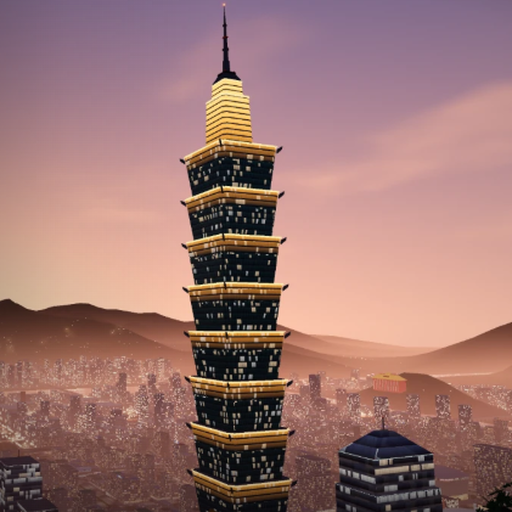
Game field guide
Taipei GTA Map and Missions | M to Open, Mission Starts, Taipei and Hong Kong Differences
How to open the map
On desktop, press M to open the map. On a phone, tap the map button in the upper-left corner of the screen.
How to use the map
Select a place on the map to show a route on the mini-map. Drag the map to move it, use the mouse wheel to zoom, and use the location control to return to the player’s current position. The legend button opens the marker categories.
Site screenshot: map view with the location and legend buttons.
What map marker categories are listed?
The listed categories are main missions, side missions, jobs, races, cultural experiences, metro stations, shops, hospitals / police stations, temples, night markets, landmarks, lucky cats, garbage trucks, and vehicles. The category setup exists; that does not mean every category’s markers have been confirmed on the map in testing.
Where do missions start?
A “任” marker identifies a mission starting point. Enter its circle and press E to interact. You can also choose a mission on the in-game phone and navigate to its location.
What mission types are listed?
The listed mission types are main missions, side missions, jobs, races, and cultural experiences.
How do the Taipei and Hong Kong versions differ?
The Taipei map interface uses the title “台北市”; the larger-world state uses “大台北”. The Taipei and Hong Kong pages load different game scripts. The Hong Kong version uses the title “香港” and includes Hong Kong Island, Kowloon, the MTR, and cross-harbour tunnels.
A player has asked about the current map boundary in a discussion thread.
| Comparison point | Listed details |
|---|---|
| Taipei version title | Taipei City; the larger-world state uses Greater Taipei. |
| Hong Kong version title | Hong Kong. |
| Game scripts | The Taipei and Hong Kong pages load different game scripts. |
| Hong Kong regional content | Hong Kong Island, Kowloon, the MTR, and cross-harbour tunnels. |
FAQ
Which key opens the map on desktop?
Press M.
What happens when I select a place on the map?
A route to that place appears on the mini-map.
How do I start a mission?
Go to a “任” marker, enter its circle, and press E to interact. You can also choose a mission on the in-game phone and navigate to it.